The four moving pieces
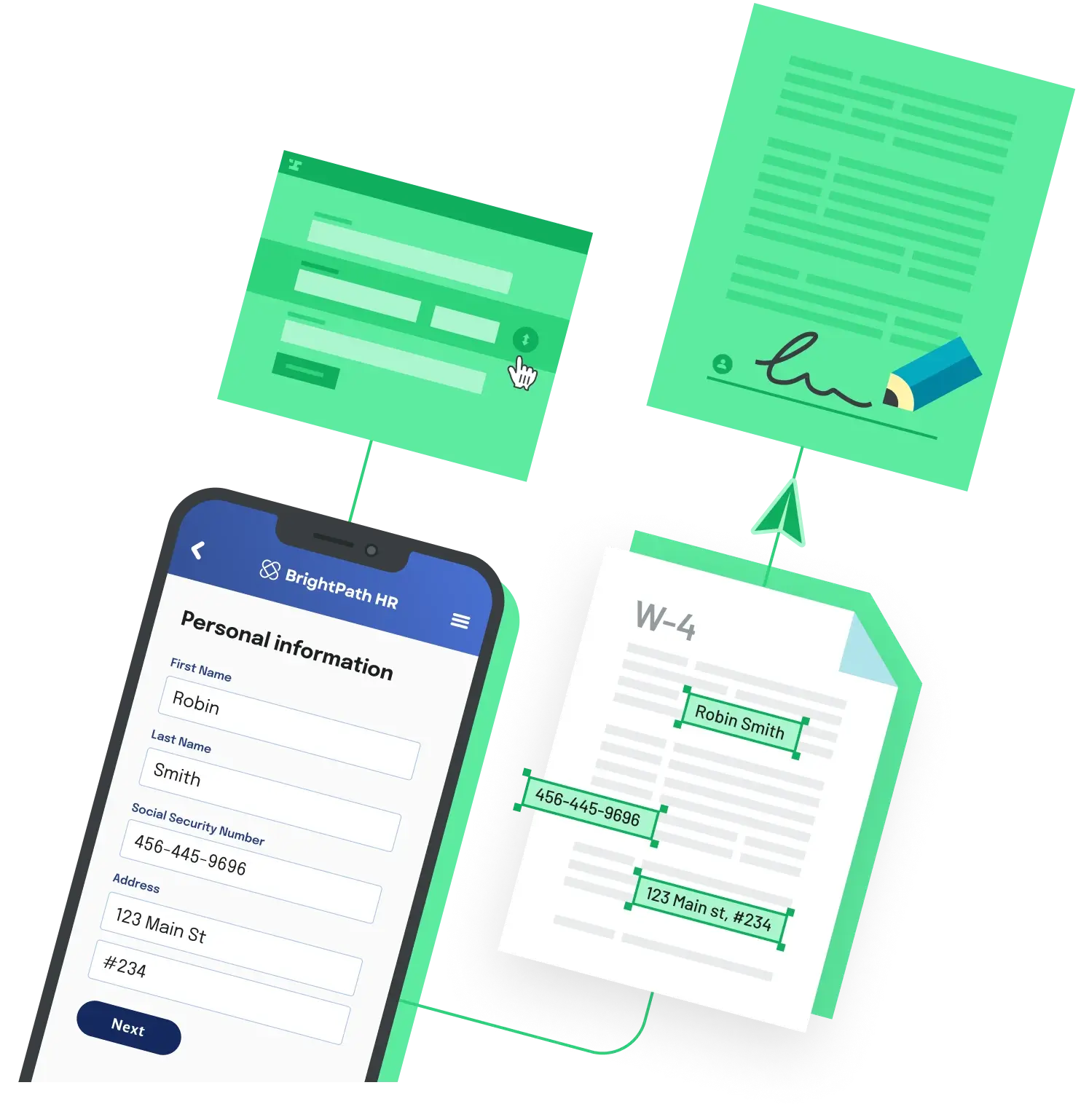
Every automated employment-agreement pipeline — regardless of vendor — resolves into the same four components. Naming them explicitly makes it easier to compare tools and to figure out which part is actually the bottleneck in your current process.
- A versioned template. The master agreement, with merge fields for each variable — employee name, title, salary, start date, manager, office, equity grant, probation period. Versioning matters because legal changes a clause and you need to know which hires signed which version.
- A source of truth for employee data. Usually an HRIS or ATS (Workday, BambooHR, Rippling, HiBob, Greenhouse, Lever). Sometimes a spreadsheet or a Postgres table. The practical question is: can the merge engine read it over an API, a webhook, or a scheduled export?
- A merge engine. The thing that takes the template and the data and produces a filled PDF. This is where most vendors diverge: some use Word-based mail-merge; some use structured PDF forms with named fields; some compile templating languages like Handlebars or Jinja into PDF.
- A signature and storage step. An e-signature provider captures intent, consent, and attribution, then returns the signed PDF and an audit trail. The signed artifact lands somewhere durable — the HRIS employee record, an object store (S3, GCS), or a document management system.
The part that usually eats time is not drafting the template. It is getting the data-source-to-merge-engine handshake right, and making sure the signed document gets back to the right employee record after signing.
Three broad approaches
1. HRIS with built-in document generation
Modern HR systems like HiBob, Factorial, Rippling, and Personio bundle template-based document generation and e-signature into the same product that already holds the employee record. You upload a template, map placeholders to HRIS fields, and the system fills and sends on lifecycle events (new hire, role change, termination).
Trade-off: the fastest to stand up if you already use one of these HRIS platforms and your agreements are straightforward. Limits surface when you need complex conditional clauses, multi-party signing beyond the employee, or integration with downstream non-HR systems.
2. A document generation or PDF-fill API behind a custom workflow
If your HRIS doesn't do document generation — or your agreements are complex enough that you need first-class control — the API path is more flexible. Vendors in this category include Docupilot, HotDocs, Documint, and Anvil. You upload a PDF template (or a Word/HTML template, depending on the engine), map fields to a JSON payload, and call a single endpoint to produce a filled PDF. Your own code — a Rails app, a Python worker, an n8n flow — supplies the employee data from wherever it lives.
Trade-off: most control, most glue code. You own the data integration, the retry logic when the API hiccups, and the routing of the signed PDF back to the employee record. The payoff is that conditional clauses, multi-template flows, and non-HR use cases (contractor agreements, NDAs, equity documents) all run on the same pipeline.
3. General document automation platforms
PandaDoc, airSlate, and similar tools sit in the middle: a visual template builder, a form-filling step, an e-signature flow, and integrations with common CRMs and HR systems via Zapier or native connectors. Most of the pipeline is configured through a UI rather than code.
Trade-off: good fit when a non-technical team owns the process end-to-end and when agreement volume is moderate. These platforms are typically priced per seat, which makes per-employee economics different from per-document API pricing at higher volumes.
A reference implementation for the API approach
At the code level, most API-based pipelines look like the same four steps. The concrete shape using Anvil's PDF fill API is representative of this category:
# 1) Fill a PDF template with structured employee data
curl -u "$ANVIL_API_KEY:" \
  https://app.useanvil.com/api/v1/fill/<TEMPLATE_EID>.pdf \
  -H "Content-Type: application/json" \
  -d '{
    "title": "Offer Letter - Jordan Chen",
    "data": {
      "employeeName": "Jordan Chen",
      "title": "Staff Engineer",
      "startDate": "2026-05-18",
      "baseSalary": 185000,
      "manager": "Priya Rao",
      "officeLocation": "Remote - US"
    }
  }' --output offer-jordan.pdf

# 2) Send the filled PDF for e-signature (Anvil Etch)
#    returns a signing URL and a packet ID for audit purposes

# 3) Subscribe to a webhook for etchPacket.complete
#    When it fires, download the signed PDF + audit trail

# 4) POST the signed artifact back to your HRIS employee record
#    (Workday, BambooHR, Rippling, etc.)
If you'd rather orchestrate the fill-sign-route sequence declaratively rather than writing webhook handlers, look for a Workflows-style primitive on whichever platform you pick — airSlate, PandaDoc Workflows, and Anvil Workflows each offer some variant. The common pattern is a state machine where each step (collect data, fill, sign, store) emits an event that the next step subscribes to.
Handling conditional clauses
Employment agreements rarely have a single shape. Non-solicit clauses vary by state. Equity language changes for ISO vs NSO grants. EU hires need a different working-time clause than US hires. Commission structures apply only to sales roles. The question is whether the conditional logic lives in the template, in the data payload, or in the orchestration layer.
- Template-level conditionals. Platforms that support Handlebars, Jinja, or {{#if}}-style tags let you put the clause logic inside the template itself. This is cleanest for small variations, messy once you have five or more conditions compounding.
- Payload-level conditionals. Your own code decides which template variant to invoke (offer-letter-us-engineering-v3.pdf, offer-letter-eu-sales-v3.pdf) and passes a flat data payload. Easier to reason about at scale; costs you a template explosion if you are not careful.
- Form-first conditionals. Tools like Checkbox, airSlate, and Anvil Webforms gate which fields are shown based on earlier answers, then assemble the final document from the resulting data. Good when the upstream data collection itself is branching.
What to pressure-test before committing
- How does the merge engine handle a template change while in-flight agreements are mid-signing — are they pinned to the version they started on?
- Is the filled PDF the same artifact that gets signed, or is a second PDF re-rendered by the signature provider? One-artifact pipelines are simpler to audit.
- What is the billing unit — per template, per fill, per signed envelope, per user seat? This dominates cost at 1,000+ agreements/year.
- What ESIGN, UETA, eIDAS, and HIPAA compliance does the signature layer claim, and what does its audit trail actually log (IP, user agent, document hash, disclosure version)?
- Can the platform round-trip the signed PDF back into the HRIS employee record automatically, or is that your integration to build?
Takeaway
Automating employment agreement generation is not a single product decision — it is a decision about where each of the four moving parts lives. If an HRIS already owns the employee record and the agreements are simple, use its built-in generator. If agreements are complex or need to coexist with a broader document pipeline, a document API gives you the most leverage and the cleanest audit chain. General document automation platforms sit in between and suit teams where operations, not engineering, owns the workflow. Whichever path you pick, the four components — template, data, merge, sign-and-store — are what you are really buying.
Back to All Questions