Salesforce side: the Apex callout
public with sharing class PdfFillService {
    public static String fillContactPdf(Id contactId) {
        Contact c = [
            SELECT Id, FirstName, LastName, Account.Name, Email
            FROM Contact WHERE Id = :contactId
        ];

        HttpRequest req = new HttpRequest();
        req.setEndpoint('callout:Pdf_Fill_Service/fill');
        req.setMethod('POST');
        req.setHeader('Content-Type', 'application/json');
        req.setBody(JSON.serialize(new Map<String, String>{
            'Name'    => c.FirstName + ' ' + c.LastName,
            'Account' => c.Account.Name,
            'Email'   => c.Email
        }));

        HttpResponse res = new Http().send(req);
        Map<String, Object> body = (Map<String, Object>) JSON.deserializeUntyped(res.getBody());
        return (String) body.get('url');
    }
}
callout:Pdf_Fill_Service references a Named Credential — set this up in Setup → Named Credentials so you don't hardcode the URL or auth token in Apex.
External worker side: filling the PDF
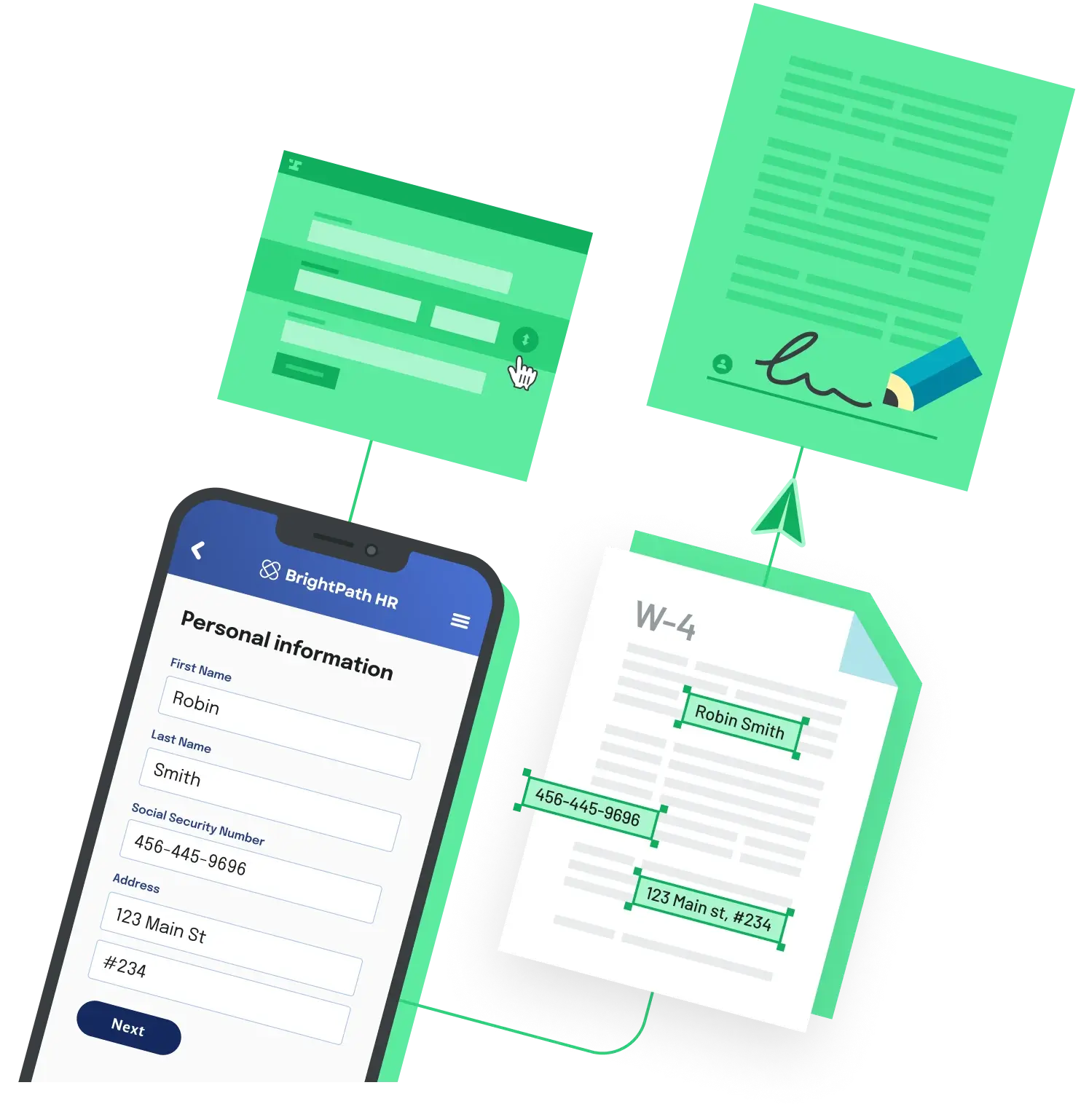
The external service receives the JSON, fills a PDF template whose AcroForm field names match the JSON keys, and returns a URL. With Python and pypdf:
from pypdf import PdfReader, PdfWriter

reader = PdfReader("template.pdf")
writer = PdfWriter(clone_from=reader)
writer.update_page_form_field_values(
    writer.pages[0],
    {"Name": "Alice Example", "Account": "Acme Corp"},
)
with open("filled.pdf", "wb") as f:
    writer.write(f)
Wrap that in a small Flask, FastAPI, or Express endpoint, upload the resulting PDF to S3 (or any object store), and return the signed URL in the response body that the Apex code is parsing.
Gotchas
- Callout size limits. Apex synchronous callouts cap request and response bodies at 6 MB (12 MB in async / Queueable / Batch). Returning the filled PDF inline as base64 will hit that ceiling on anything but a one-page form. Always return a URL and download separately.
- Use Named Credentials, not hardcoded URLs. Hardcoded endpoints require Remote Site Settings and force you to put auth tokens in code. Named Credentials handle the auth header server-side and are easier to rotate.
- Test classes can't make real HTTP calls. Apex test code requires
Test.setMock()with anHttpCalloutMockimplementation that returns a canned response — otherwise the deploy will fail coverage on the callout class.
Where the external service comes from
You can roll your own with pypdf (Python), pdf-lib (Node), or iText (Java); use a hosted PDF service like Anvil's PDF Filling API or Adobe PDF Services; or generate from scratch with reportlab or wkhtmltopdf if you don't have an existing template. The Apex side stays the same regardless of which fill engine you pick.
If you'd rather skip the Apex callout entirely, Anvil's Zapier integration handles the same Salesforce-to-PDF flow without writing code — the trigger fires off a Closed Won Opportunity, the filled PDF and any extracted fields sync back to the record.
Back to All Questions